
Preview
CONTENT FOR SLOT
Brave the blue
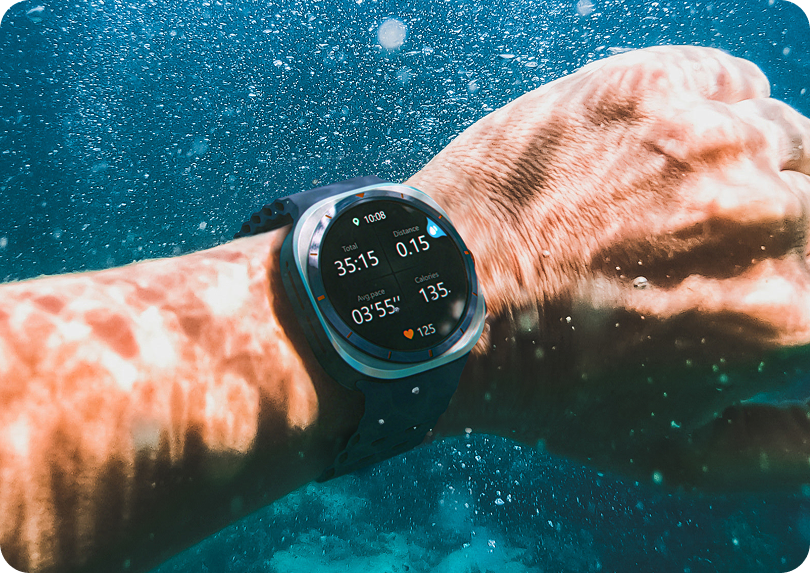
From riding big waves in the Pacific Ocean to exploring coral reefs in the Caribbean Sea, answer the call of the ocean with a watch ready for the water.2,6
Image Feature Block with Slot component at the top of a river page displaying main product.
Preview
Images for this component are exported from the Figma design files as a png at 2x.
    ---    import {FeatureBlock} from "@isitetv/srp-toolkit";    ---
    <FeatureBlock      imgSrc="https://static.isitetv.com/clients/isite/samsung-component-library/docs/brave-the-blue.png"      imgAlt="A photo of the Watch Ultra outdoors in extremely cold conditions showing it's temperature resistance"      heading="Brave the blue"      description="From riding big waves in the Pacific Ocean to exploring coral reefs in the Caribbean Sea, answer the call of the ocean with <strong>a watch ready for the water</strong>.<sup class='srp-footnote'>2,6</sup>"      imgWidth="540"      fullWidth      headingBold    >      <div>CONTENT FOR SLOT</div>    </FeatureBlock>