
Preview
Catch the highlights
Titanium casing 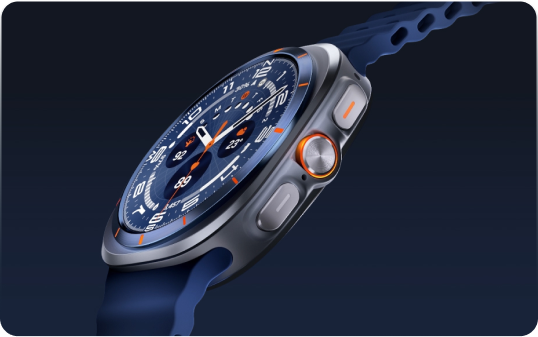
Galaxy AI-powered
health insights1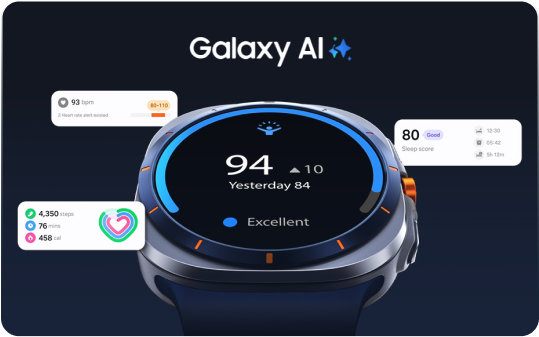
health insights1
10ATM water resistance2 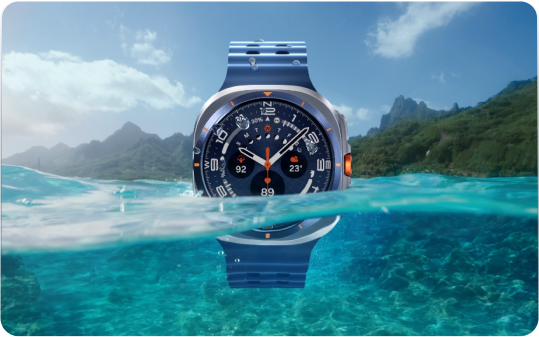
Highlights component under the KeyVisual.
Preview
    ---    import {Highlights} from "@isitetv/srp-toolkit";    ---
    export const highlightsData = [        {          title: "Titanium casing",          image:          "https://static.isitetv.com/clients/isite/samsung-component-library/docs/watch-ultra-titanium.png",          alt: "Zoomed in images of the Watch Ultra",        },        {          title:          "Galaxy AI-powered<br/>health insights<sup class='srp-footnote-title'>1</sup>",          image:          "https://static.isitetv.com/clients/isite/samsung-component-library/docs/watch-ultra-ai-powered.png",          alt: "Illustration demonstrating use of the S Pen",        },        {          title: "10ATM water resistance<sup class='srp-footnote-title'>2</sup>",          image:          "https://static.isitetv.com/clients/isite/samsung-component-library/docs/watch-ultra-water-resistant.png",          alt: "Composition of the Samsung DeX for more display",        },    ];
    <Highlights      highlightsData={highlightsData}    />