
Skip to content
v v1.8.0

Three column layout

Image Three column layout component at the top of a riverpage displaying main product.

Preview

Advanced Armour Aluminium4
Thinner in form, stronger and more durable.11

placeholder image
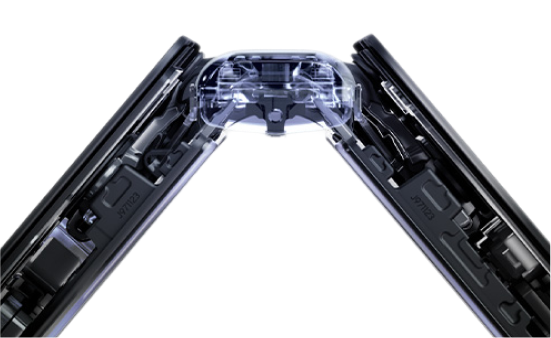
Built strong with Armour FlexHinge
Armour FlexHinge closes thinner1 while protecting.
placeholder image
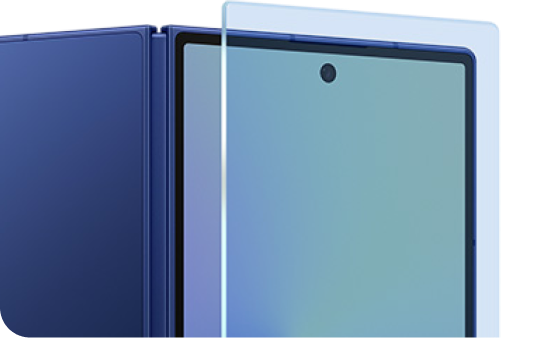
Tough from front and back
Corning® Gorilla® Glass Ceramic 2 glass applied for resilience.5
placeholder image

How to use Three column layout in Astro

Section titled “How to use in Astro”

Images for this component are exported from the Figma design files as a png at 2x.

index.astro
---
import {ThreeColBlock} from "@isitetv/srp-toolkit";
---
<ThreeColBlock>
<Fragment slot="col-one">
<CopyBlock
heading="Advanced Armour Aluminium<sup class='srp-footnote-title'>4</sup>"
headingBold
bodyText="<strong>Thinner</strong> in form, <strong>stronger</strong> and more durable.<sup class='srp-footnote'>1</sup>"
extraClasses="px-4p! pb-0!"
/>
<img src="/assets/images/advanced-armour.png" alt="placeholder image" class="w-full" width="300px" />
</Fragment>
<Fragment slot="col-two">
<CopyBlock
heading="Built strong with Armour FlexHinge"
headingBold
bodyText="Armour FlexHinge <strong>closes</strong> <strong>thinner</strong><sup class='srp-footnote'>1</sup> while protecting."
extraClasses="px-4p! pb-0!"
/>
<img src="/assets/images/built-strong.png" alt="placeholder image" class="w-full" width="300px" />
</Fragment>
<Fragment slot="col-three">
<CopyBlock
heading="Tough from front and back"
headingBold
bodyText="<strong>Corning® Gorilla® Glass Ceramic 2</strong> glass applied for resilience.<sup class='srp-footnote'>5</sup>"
extraClasses="px-4p! pb-0!"
/>
<img src="/assets/images/tough-from.png" alt="placeholder image" class="w-full" width="300px" />
</Fragment>
</ThreeColBlock>